Abstract
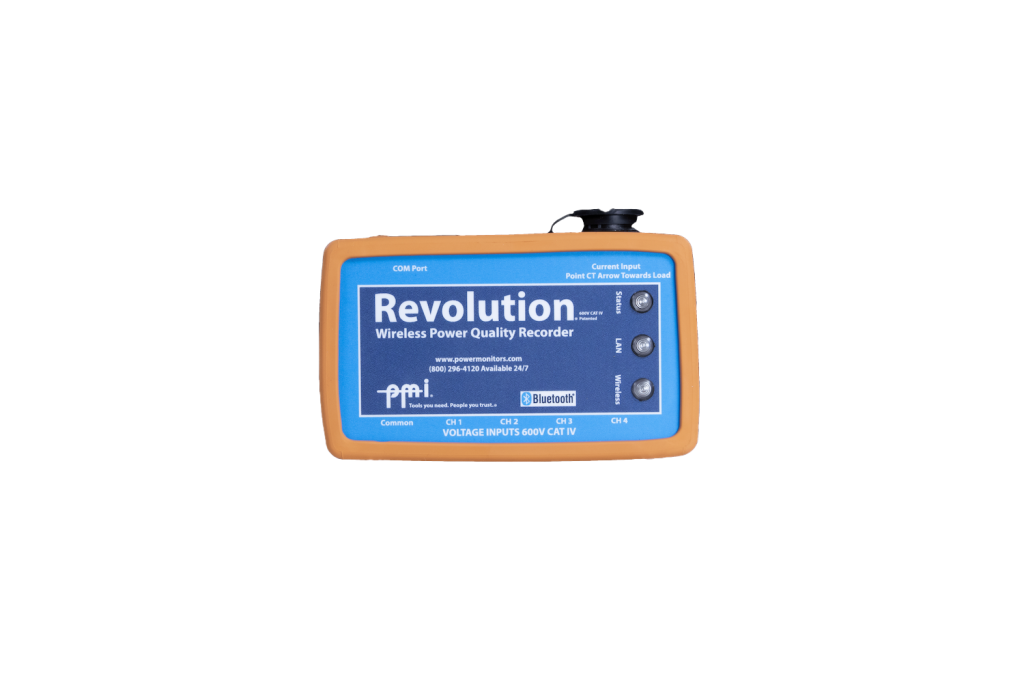
This white paper will discuss several of the security concerns regarding PMI’s Power Quality Recorders and their implementation of the Bluetooth protocol.
Bluetooth security concerns have been tackled for many aspects of the PMI software and PMI power quality recorders – from the physical hardware, through the device’s firmware, all the way down to the user’s PC or handheld device. Each of those layers are discussed in detail in the sections below.
Physical Security: PMI Recorders
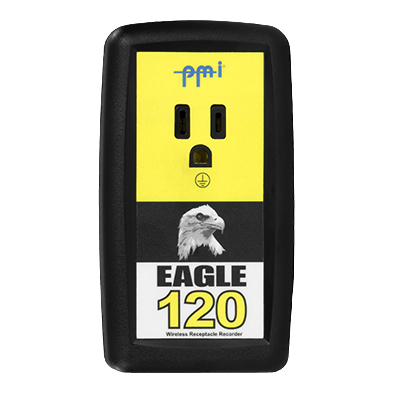
At the highest level of the chain of bluetooth security is the device. Due to their embedded nature, PMI’s Bluetooth-enabled devices are not as exploitable as a normal Bluetooth device. Unlike more complex, well-known and prevalent systems such as Microsoft Windows XP and Windows CE, PMI’s recorders use custom hardware and our own in-house embedded DSP firmware, greatly hindering the use of well-known exploits. Buffer overflows and other standard cracking techniques are simply not as powerful for a couple of reasons. First, PMI uses a simple protocol, exposing very little to the outside. Second, techniques for arbitrary code execution are difficult since the embedded target is a custom DSP platform, not a standard Intel or ARM processor.
Physical Security: User Devices
The PC or PDA side of the Bluetooth link is much more vulnerable. PMI recommends disabling Bluetooth discovery, disabling all Bluetooth Profiles with the exception of the serial profile and keeping the Bluetooth radio off when not needed. Taking these simple steps will greatly reduce the risk of a remote exploit.
Disabling Bluetooth on a Field PC
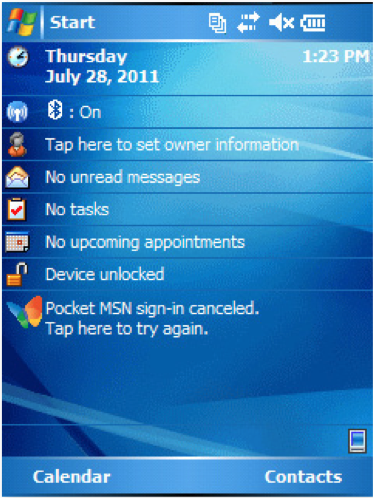
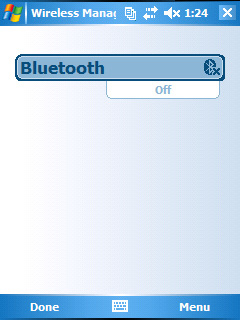
From the home screen, tap on the Bluetooth icon as shown in Figure 1. This will bring up the Bluetooth Wireless Management screen. Tap on the bluetooth icon to toggle from “On” to “Off” as shown in Figure 2. The Bluetooth radio is now off/disabled.

Disabling Bluetooth on a PC
There is no standard way to disable the bluetooth radio on a PC (in fact, many PCs do not ship with a bluetooth radio installed). Bluetooth USB dongles can be disabled by simply removing them from the computer’s USB drive. Some laptops that ship with a Bluetooth radio provide a physical switch on the base of the computer that can be used to toggle the radio on or off. Other systems with integrated bluetooth radios will require the user to disable it through software (from the control panel on Windows XP, Windows Vista and Windows 7 PCs).
Application-Level Security
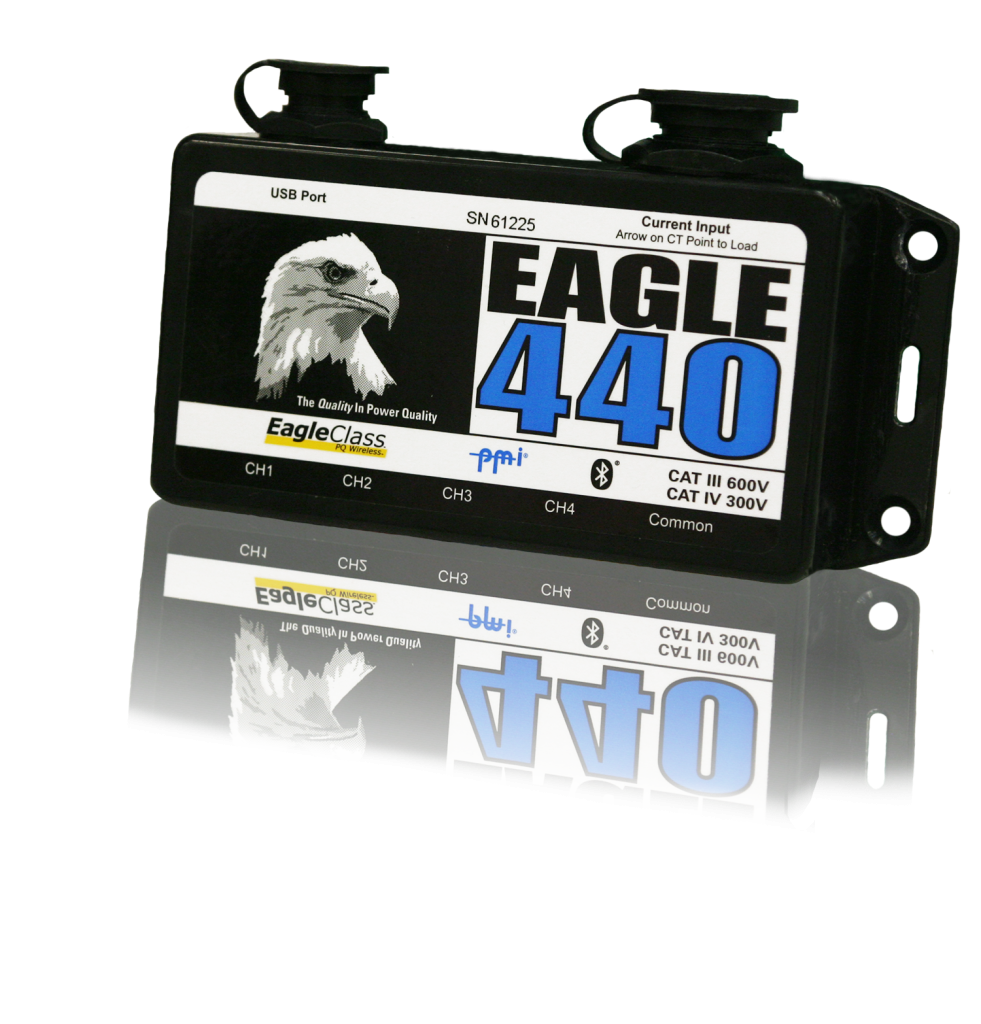
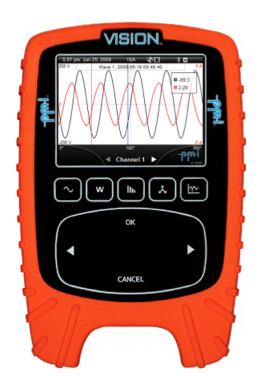
PMI’s recorders only support communication with PMI’s proprietary Field PC, PDA and PC software. The PDA software is keyed to the Palm serial number so that the software cannot be easily copied from one device to another. The communication protocol between the PDA, Field PC or PC software and the recorder is a proprietary, very low-level binary one, disallowing a third-party application from affecting the recorder. PMI’s recorders ignore unrecognized commands or incorrectly structured requests and data blocks.
Additionally, the recorder only implements the minimum necessary Bluetooth profiles: the Serial Port Profile, Service Discovery Profile and Generic Access Profile. These profiles have limited capability and fewer opportunities for exploits than those normally used in cell phones and laptops (e.g. OBEX object exchange, DUN and LAN Access Profiles, FTP and OPP (Object Push Profile), etc.).
Bluetooth Protocol-Level Security
The Bluetooth protocol makes use of “pairing”, which is a method of matching two Bluetooth-enabled devices using a predetermined initial key. (For PMI Recorders, this key is “pmi”, but can be changed at the customer’s request.) This key is then used to generate temporary encryption keys for each Bluetooth session. All of PMI’s scanners use the key to pair with a Bluetooth host device.
In addition to the pairing, the Bluetooth communications link is encrypted with a shift register-based algorithm using a 128-bit key which is dynamically generated. For more information on this algorithm (SAFER+), see: http://en.wikipedia.org/wiki/SAFER.
PMI Protocol-Level Security
PMI encrypts the real-time data between the host device and the Bluetooth recorder over a packet based stream. This implementation was copied from PMI’s wired serial communications, which do not have any extra security built in (unlike Bluetooth). This results in Bluetooth communications having two layers of encryption.
Additional Security Features: PMI offers some additional security features upon the customers’ request.
Custom pairing key. PMI can customize the pair key for individual utilities. The default is ‘pmi’.
Disable Bluetooth Discovery
PMI can disable the Bluetooth discovery response in our recorders. Even though an outside user cannot disturb the recorder through Bluetooth due to the features above, they still can detect the presence of the device using the discovery process. PMI can disable the discovery process in the scanner, but that will result in users having to know the Bluetooth address of the recorder to connect. The user will also not be able to detect if the recorder is in range before attempting to connect.
Disable Bluetooth
PMI can also completely disable Bluetooth if desired.
Conclusion
By combining obfuscation (a custom DSP firmware), encryption, the built-in Bluetooth security features and a custom communication API, PMI has all but eliminated the potential security risks posed by deploying a Bluetooth-enabled recorder.