
Abstract
Responding to outage management is of the utmost importance to any utility, but you can’t respond to a voltage interruption that you don’t know about. Deploying an Outage Management System (OMS) is vital to restoring service quickly and keeping customers happy. PMI’s Boomerang line of monitoring devices, coupled with our cloud-based Canvass software, can be placed strategically at substations, end-of-line and customer locations to provide instant SMS or email notifications of interruptions which can be used to roll trucks as quickly as possible.
Canvass
Canvass is PMI’s cloud-based application for collecting data from Boomerangs, processing and storing that data, sending email/SMS alerts, and presenting data graphically in a web browser. All Canvass operations are performed in a standard web browser – no local software is needed.
Boomerangs measure voltage values every second, sending those values to Canvass, and are capable of sending voltage-related alerts to Canvass, which can then be distributed as an alert to anyone in your organization. In Canvass, devices may be grouped into a “Distribution List.” A Distribution List allows alerts of certain types to be captured from specific devices and instantly distributed to specific people as emails or text messages. Separate lists and rules can be used for voltage interruptions, low and high voltage exceedances, and other events. This helps separate urgent notifications from more routine alerts.
Devices
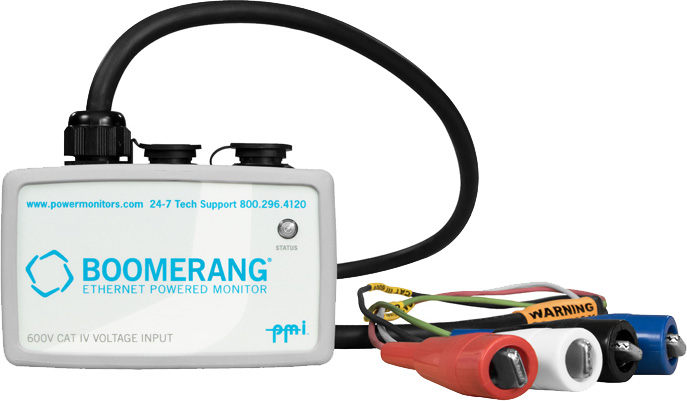
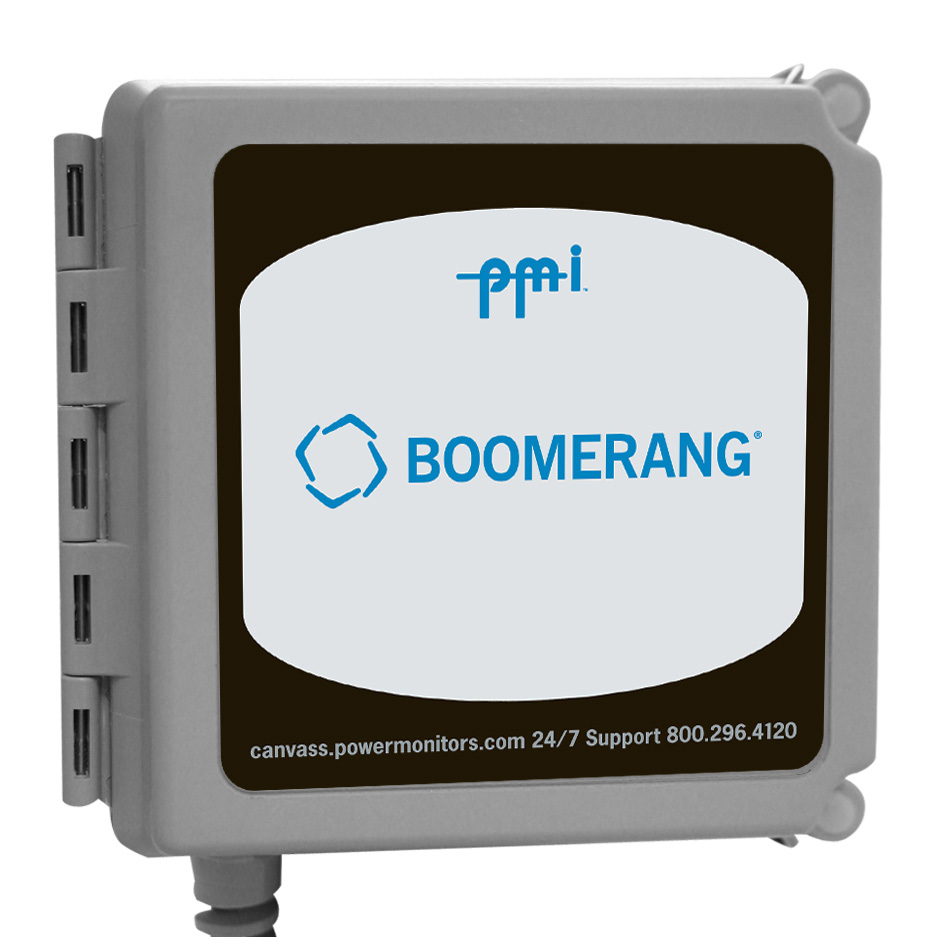
Device selection and deployment is the first step to implementing an Outage Management System with PMI solutions. In order for any Outage Management System to be effective, your distribution network must have sufficient coverage by outage monitoring devices. One monitoring device at every substation should be considered a bare minimum of coverage for an OMS. The Boomerang line of devices offers four different form factors, suited to various locations on your distribution network from a substation capacitor bank, a pole-mounted transformer, or a residential meter base to an individual 120V wall outlet at a customer’s property.
Device organization in Canvass is the second step to implementing an OMS. Name each device something obvious, such as a substation ID, pole number or street address where the device will be or has been deployed. The next step is to ensure that the location of the device in Canvass (latitude and longitude) match the actual location of the device in the field. The name or “Recorder Label” and location are set from the device Settings Window which can be accessed by clicking the “Edit” button next to the device in the list, located along the left side of the application.
Distribution Lists
The next step is to create one or more Distribution Lists for monitoring your Boomerangs. For smaller distribution networks, grouping devices into multiple Distribution Lists by geographical district or by leg can assist in pinpointing disruption sources and simplify the management of monitoring devices.
Adding Lists
To add a Distribution List in Canvass, go to Administration, Email Alerts and click the Add List button. Name the list intuitively, noting its purpose for outage management and the devices to be included in the list, e.g. “Outages – Bluegrass District.” Click Save and the new list will appear in the Distribution Lists dialog. Repeat this for each outage list.
Adding List Devices
To add devices to an outage Distribution List, click the Devices button on the list row. Select devices for the list by checking the associated checkboxes and clicking Apply Settings.
Alerts
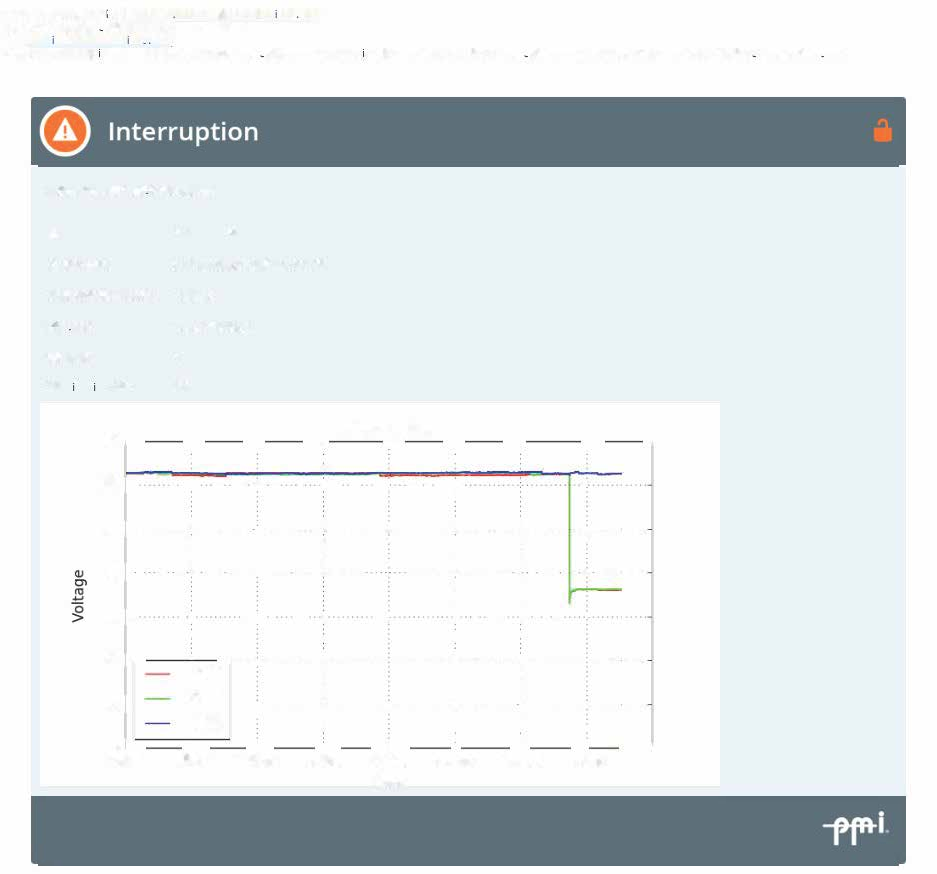
Outage Distribution Lists require and should only use the “Voltage Interruption” alert. Click the Alerts button on the list row, and select “Voltage Interruption” and then click Apply Settings. To avoid unnecessary outage alerts for brief interruptions, the Distribution List’s Holdoff Time should be set to at least one-minute. The “Voltage Interruption” alert will notify you, both when a monitor enters an outage state and when it returns from that state.
Personnel
The final step to setting up your Notification Lists is selecting who should be notified of outages for each list. Clicking the Emails button in the list row will display a list of all Canvass users in your organization’s account. Select one or more people to receive outage notifications for each list. For a more in-depth look at configuring email alerts in Canvass, see the “Email Alerts with Canvass” whitepaper.
PQ Canvass
If your organization has an account in our new PQ Canvass web-based software, you can generate outage reports instantaneously for any period of time, from a day to many years and for a specific selection of monitoring devices. PQ Canvass includes two outage reports, the “Outage List” report and the “Outage Summary” report.
Outage List Report
This report is exactly what it sounds like. The report will display a list of every outage for every selected device for the specified time period. The report header shows the specified time period, the number of devices queried, the number of devices which experienced an alarm, the total number of customers covered by your monitoring devices, and the number of customers affected by outages during the report’s time period.
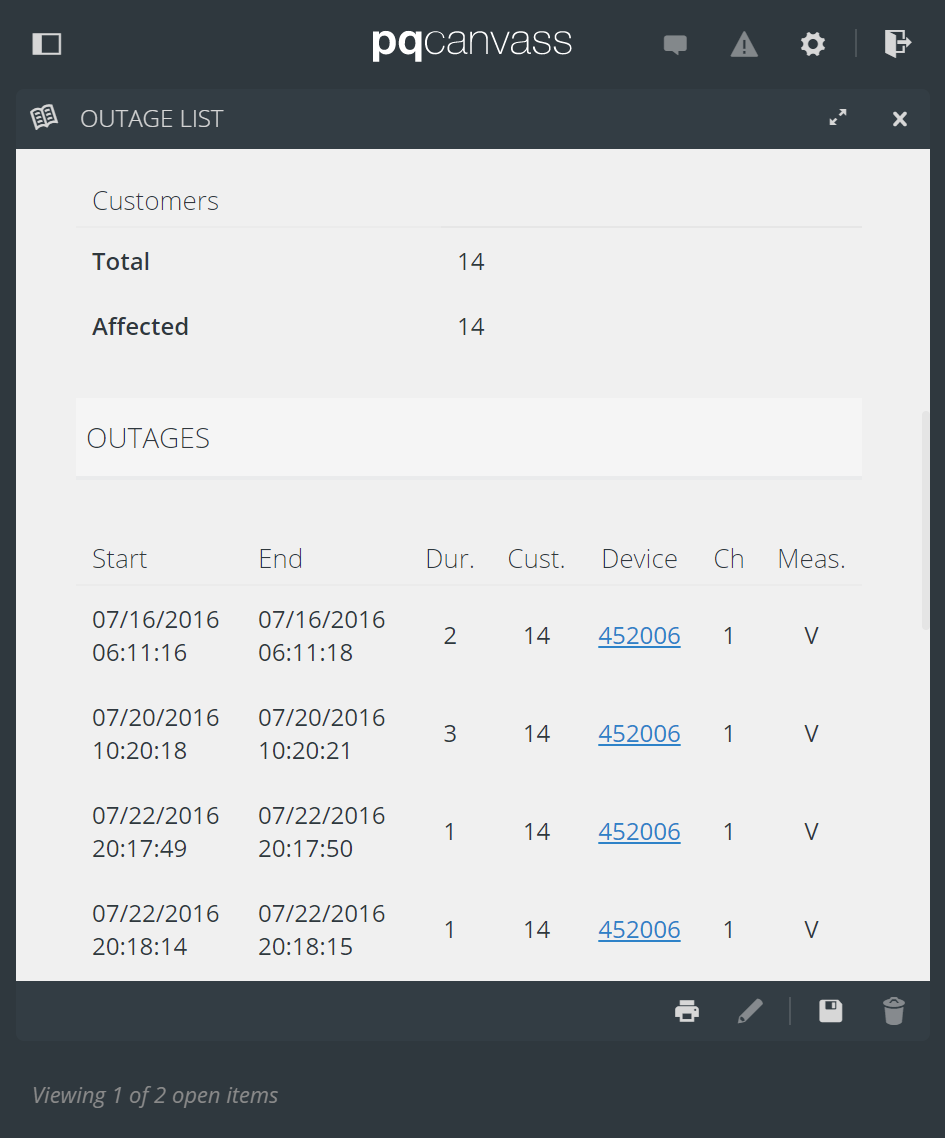
Each outage record will show when the outage began, when it ended, the duration of the outage, the number of customers affected by that specific outage, the device which reported the outage, and the channel and measure which triggered the outage alert on that device.
Outage Summary Report
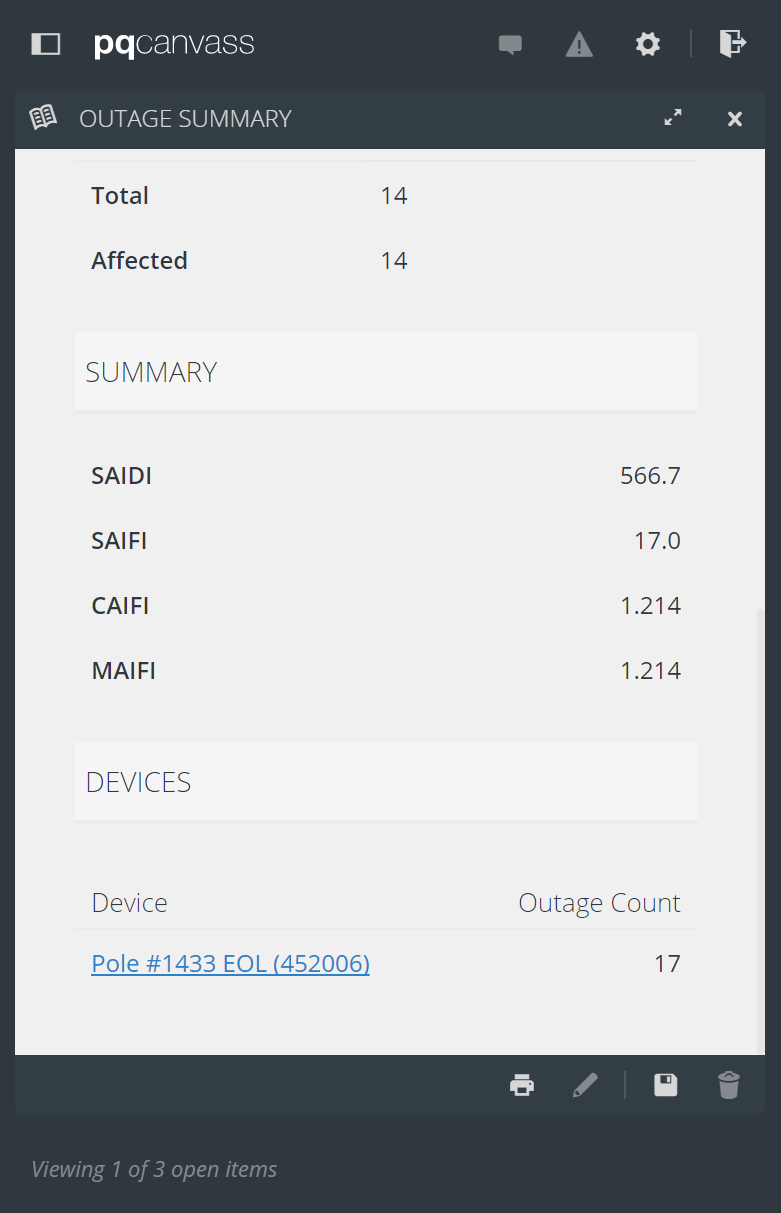
The Outage Summary Report displays vital outage statistics which includes SAIDI, SAIFI, CAIFI and MAIFI for selected monitoring devices over a specific period of time. The report header shows the number of devices included in the report, the number of devices which experienced an outage, the total number of customers covered by the monitoring devices in the report, and the number of customers affected by outages during the specified time period. Below the outage statistics is a complete list of all devices which reported an outage during the time period.
Conclusion
PMI can provide everything a utility needs to implement an effective Outage Management System: Monitoring devices such as the Boomerang, real-time alerts through Canvass, and detailed outage reports through PQ Canvass constitute a simple, well-rounded, and intuitive way to give an immediate customer response and gather data for long term planning and reporting.
